160.00৳ Original price was: 160.00৳ .140.00৳ Current price is: 140.00৳ .
সরাসরি কম্পিউটার থেকে ঝামেলাহীনভাবে প্রিন্ট করার সুবিধা।
কালার স্ক্যানের জন্য বিল্ট-ইন স্ক্যানার সাপোর্ট।
অফিস, বাসা বা দোকানে ব্যবহারের জন্য একদম নির্ভরযোগ্য এবং সহজে ইনস্টলযোগ্য ড্রাইভার।
১০০% পরীক্ষিত, সম্পূর্ণ কার্যকর এবং নিশ্চিন্তে ব্যবহারযোগ্য।
ইনস্টলেশনের সময় কোনো সমস্যা হলে WhatsApp বা কলের মাধ্যমে তাৎক্ষণিক সাপোর্ট পাওয়া যাবে।
সফ্টওয়্যার সমস্যায় কল বা WhatsApp করুন
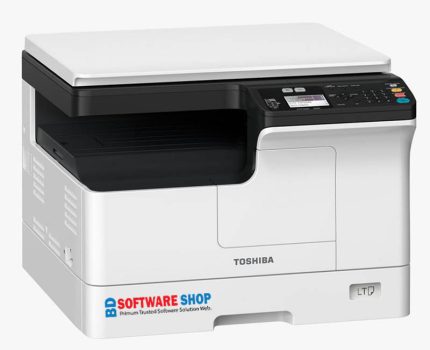
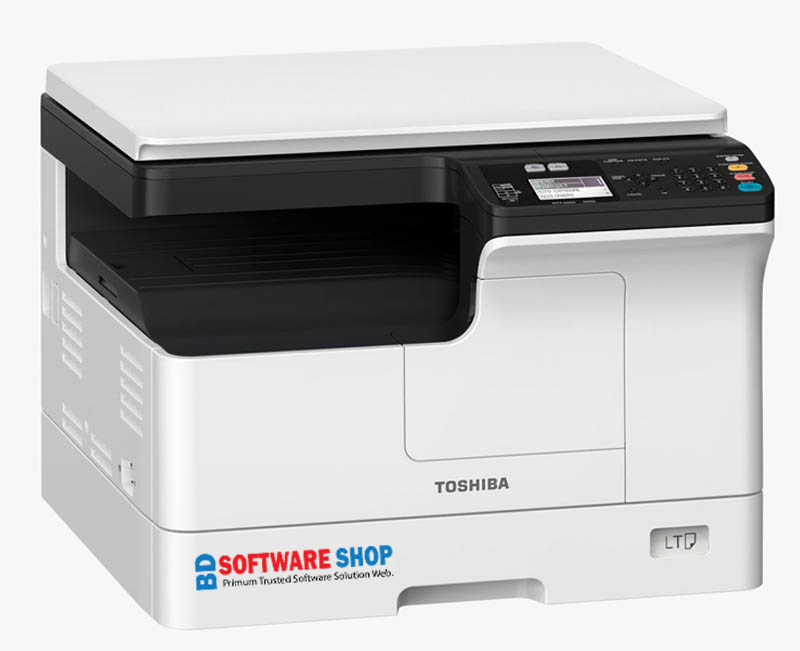
The Toshiba e-STUDIO 2823AM is a powerful multifunction printer designed for fast printing, sharp copying, and crystal-clear scanning. To unlock all features of this printer, you must install the latest official Toshiba e-STUDIO 2823AM Driver on your computer.
Here, we provide the full driver package—safe, updated, and 100% compatible with all modern Windows systems.
Installing the correct driver ensures:
✔️ Smooth & fast printing without errors
✔️ High-resolution color scanning
✔️ Stable USB & network connectivity
✔️ Full compatibility with Windows 7/8/8.1/10/11 (32-bit & 64-bit)
✔️ Best performance for office, business, and home printing
This driver is the complete package, including printer driver, scanner driver, and utility tools.
| Component | Description | Supported OS |
|---|---|---|
| Full Driver Package | Includes Printer Driver + Scanner Driver + Utility Tools | Windows 7/8/10/11 (32-bit & 64-bit) |
| Client Utilities / User DVD-ROM | All-in-one setup tools, manuals, scanning utilities | Windows All Versions |
| USB Driver | Ensures stable USB printing & scanning | Windows 32/64-bit |
(If you want, I can add your download buttons, file size, and direct link placeholders.)
Experience smooth printing with optimized drivers that reduce lag, paper jams, and print queue errors.
Scan documents and photos in sharp detail using the built-in TWAIN/WIA scanner driver.
The full driver package automatically detects your printer and installs required modules.
Whether you are using USB cable or office LAN network, the driver ensures stable connectivity.
One driver package supports all major Windows operating systems.
Download the full driver package from the link provided.
Right-click the installer and choose Run as Administrator.
Select Install Printer Driver.
Choose connection type: USB or Network.
Wait for the setup to complete.
Restart your PC for the best performance.
Your printer is now ready for printing & scanning!
Fixes “Printer Offline” issues
Solves USB not detecting problem
Fixes scan not working issues
Removes previous driver conflicts
Ensures full functionality for new Windows updates
Toshiba e-STUDIO 2823AM Driver Download ফাইলটি Windows 7, 8, 8.1, 10 এবং 11 এর ৩২-বিট ও ৬৪-বিট দুই ভার্সনেই কাজ করে। কোনো নির্দিষ্ট সিস্টেম রিকোয়ারমেন্ট থাকলে সেটি উপরের Description অংশে উল্লেখ করা থাকে, তাই কেনার আগে একবার দেখে নিলেই নিশ্চিত হতে পারবেন।
ডাউনলোড লিংক থেকে ফাইলটি নামিয়ে ZIP ফাইলটি Extract করুন। এরপর প্রিন্টারটি USB কেবল দিয়ে কম্পিউটারে সংযুক্ত করে Setup ফাইলে ডাবল ক্লিক করুন এবং স্ক্রিনের নির্দেশ অনুসরণ করুন। সাধারণত পুরো কাজটি ১ থেকে ৫ মিনিটের মধ্যেই শেষ হয়ে যায়।
হ্যাঁ। পেমেন্ট সম্পন্ন হওয়ার সাথে সাথেই আপনার জন্য একটি অটো ডাউনলোড লিংক তৈরি হয়। লিংকে ক্লিক করলেই সরাসরি ডাউনলোড শুরু হবে, কোনো অপেক্ষা করতে হবে না।
চিন্তার কোনো কারণ নেই। WhatsApp বা কল করুন 01861624848 নম্বরে। আমাদের সাপোর্ট টিম ধাপে ধাপে পুরো প্রক্রিয়াটি বুঝিয়ে দেবে এবং প্রয়োজনে নিজেরাই সেটআপ করে দেবে, যতক্ষণ না ড্রাইভারটি ঠিকভাবে কাজ করছে।
হ্যাঁ, সম্পূর্ণ ফ্রি। প্রয়োজন হলে AnyDesk বা TeamViewer দিয়ে আমরা সরাসরি আপনার কম্পিউটারে যুক্ত হয়ে ড্রাইভারটি ইনস্টল ও কনফিগার করে দিই। এর জন্য কোনো বাড়তি খরচ নেই।
হ্যাঁ। আমাদের প্রতিটি ফাইল ভাইরাস স্ক্যান করা, ম্যালওয়্যার মুক্ত এবং বিজ্ঞাপন মুক্ত। নিশ্চিন্তে ডাউনলোড করতে পারেন, আপনার কম্পিউটারের কোনো ঝুঁকি নেই।
Stay updated with new software, printer drivers, tools and useful guides.
Genuine PC software, drivers and tools. Reliable downloads, fast delivery and affordable prices.
© 2026 BD Software Shop — All rights reserved.
Made with ♥ in বাংলাদেশ
আসসালামু আলাইকুম! ড্রাইভার, সফটওয়্যার বা ডাউনলোড নিয়ে যেকোনো প্রশ্ন থাকলে লিখুন — আমরা সাহায্য করছি।
Reviews
There are no reviews yet.